Start with a clear subject
A single face or a strong silhouette is a useful starting point for the portrait screen. Leave room around the subject so you can adjust the framing. Very small lettering and crowded backgrounds may be harder to read on the pedal than on a computer. Use a photograph you took, your own artwork or an image you have permission to use.
Frame it in the customizer
Open the browser customizer, upload your image, then adjust the position and zoom. Check the actual screen preview rather than judging only the original photograph. Try a few framings before settling on one: a close portrait feels different from a small figure in a landscape. The customizer is a place to experiment before transferring anything to the hardware.
Understand the three reactions
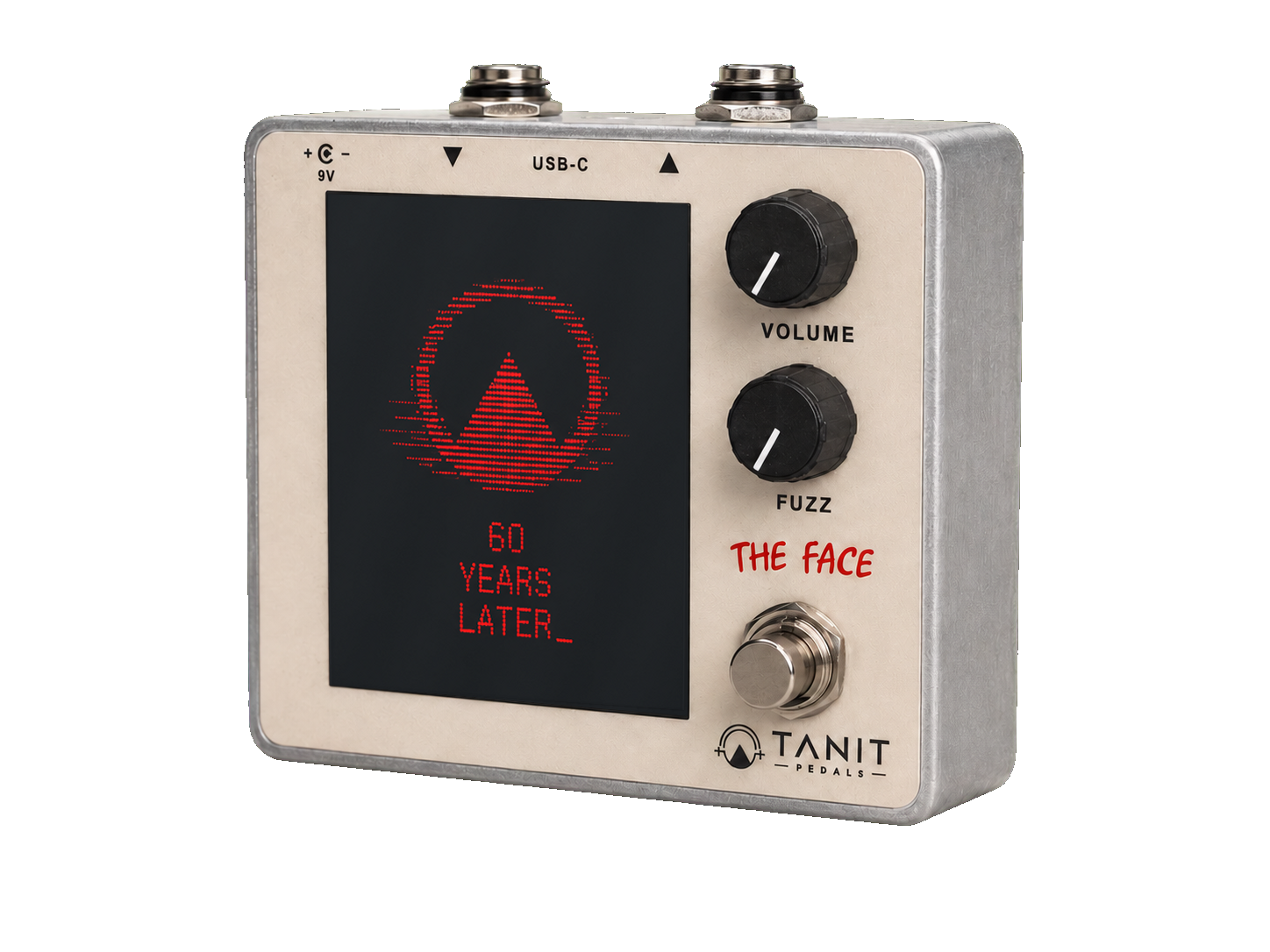
Volume shifts the face toward red as you turn the control up. Fuzz adds visual distortion. The audio signal brings movement to the screen while you play. These are different responses, so explore them separately. The web app previews the reactions; your exported picture remains clean. The physical pedal adds its reactions during use.
Download, connect and copy
Download the pedal-ready image from the customizer. Connect THE FACE to your computer with a USB-C data cable and open the THE FACE drive. If the pedal already contains an image, keep a backup if you want it, then delete that existing image before copying the new one. Wait for the transfer to finish and safely eject the drive before disconnecting.
Keep the exported orientation
The downloaded image is intentionally rotated 90 degrees counter-clockwise. Leave it exactly as exported: the pedal displays it in the correct orientation. Rotating it in a photo editor before copying it can produce the wrong result on the hardware.
Try the result while playing
Turn the amplifier down before connecting your instrument and start with the pedal Volume low. Engage the effect, raise the level gradually and try the two controls while playing. If the computer does not recognise the pedal, try a known data cable and a direct USB port. Do not format the drive; use the manual or contact Tanit for help.